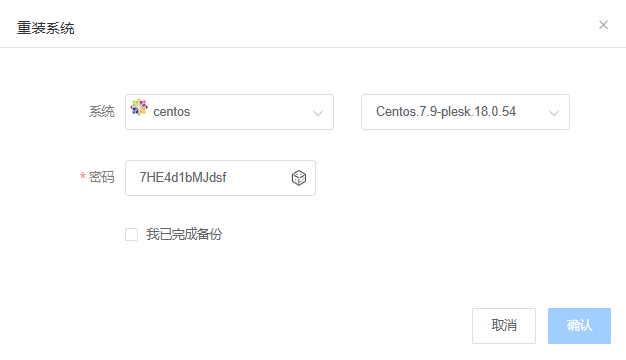
How to check CentOS 7.9 Plesk 18.0.54 login information

First, we log into the system via SSH and type "plesk bin admin --get-login-link" to view the Plesk panel information.

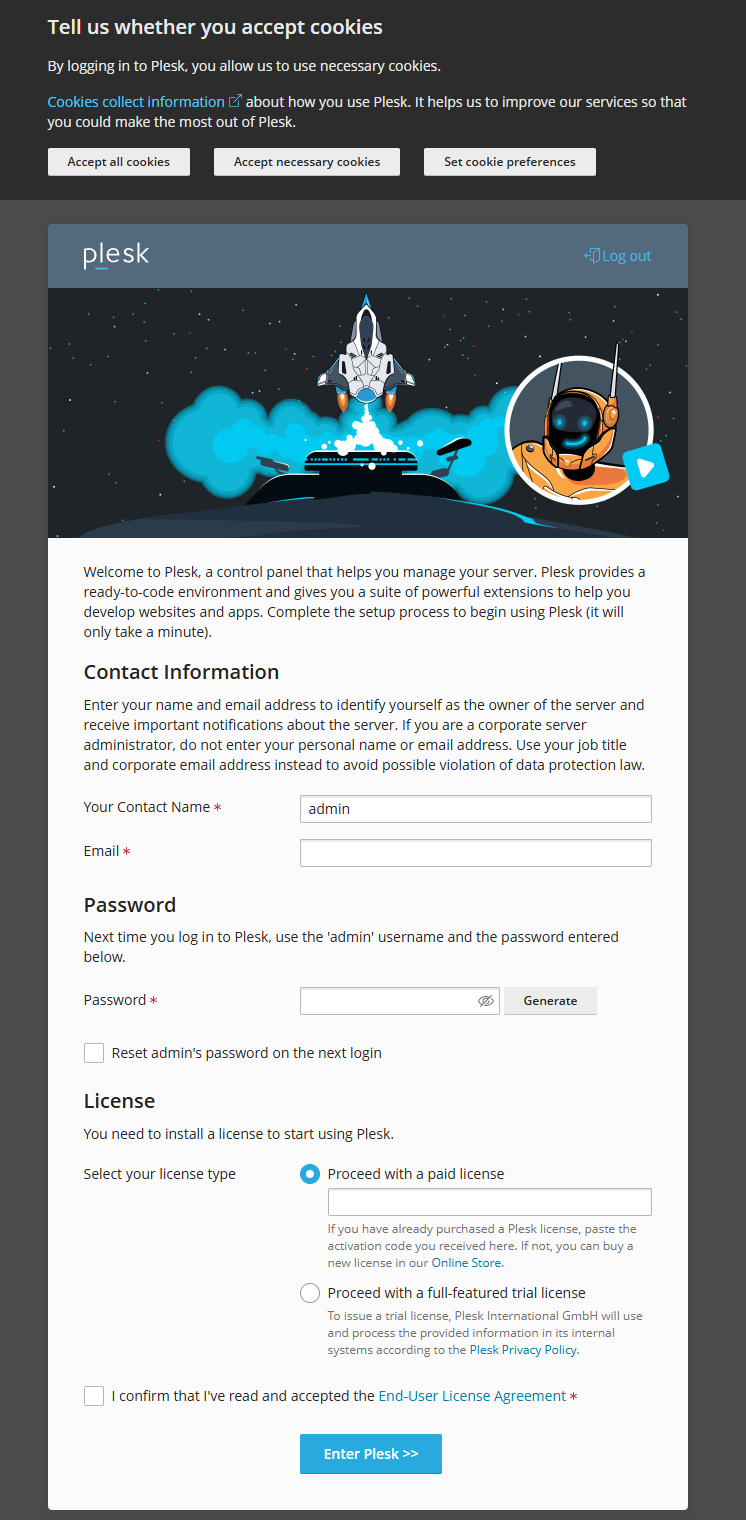
The following is the web interface, where you can set up the Plesk panel information upon first login.

 

  • 0 Users Found This Useful
Was this answer helpful?

Related Articles

How to switch to a different repository for CentOS 8 EOL

 CentOS 8 reached its end of life at the end of 2021. When using yum repositories for...

To change the network interface name in CentOS 7.x

一.modify GRUB 1.Edit the GRUB configuration file by running the command: `vi...

To modify the hostname on CentOS

Method One:   1.Open a terminal or SSH into the Linux system. 2.Log in to the system with...

An incorrect configuration in the /etc/fstab file on the Linux system is causing login issues

Encountering communication issues with the machine, I checked the system error messages through...

How to use the atop monitoring tool in Linux

Atop is a monitoring tool used to monitor resources and processes in Linux systems. It...
