
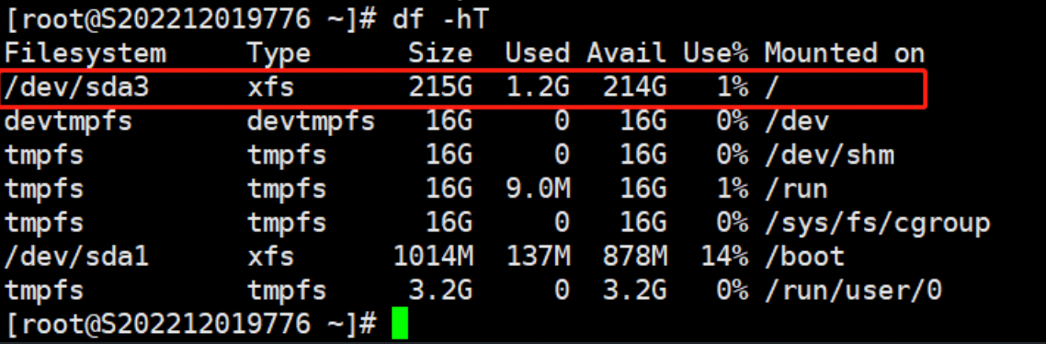
1.Check if the file system that needs to be expanded is of XFS format:df -hT
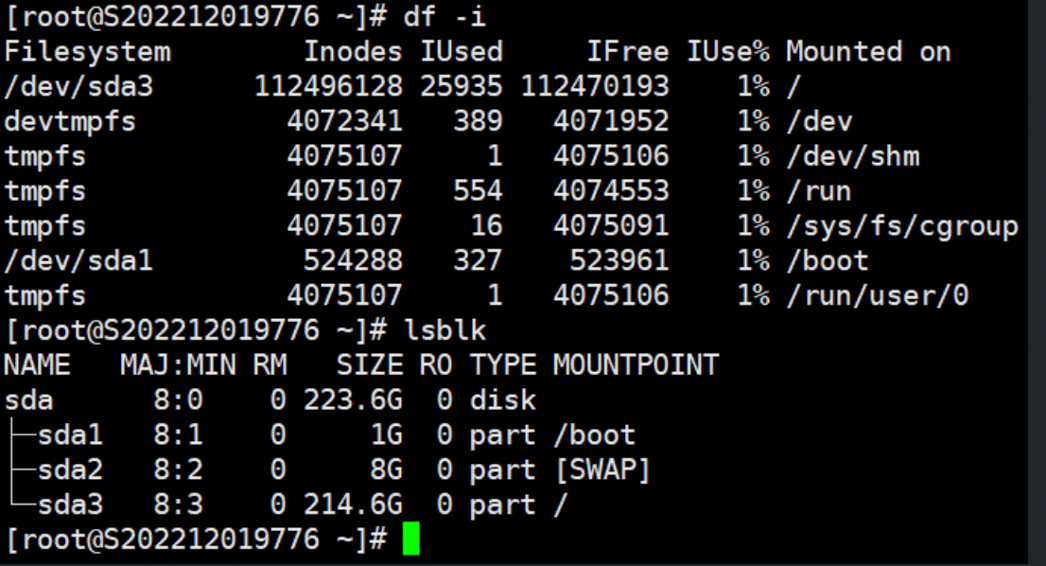
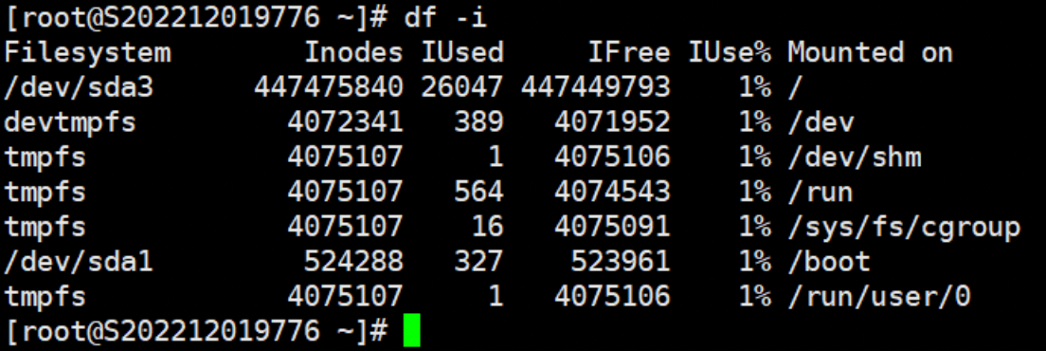
2.The command df -i is used to view inode information
File system, inode available space, inode used space, free space, inode used%, mount point
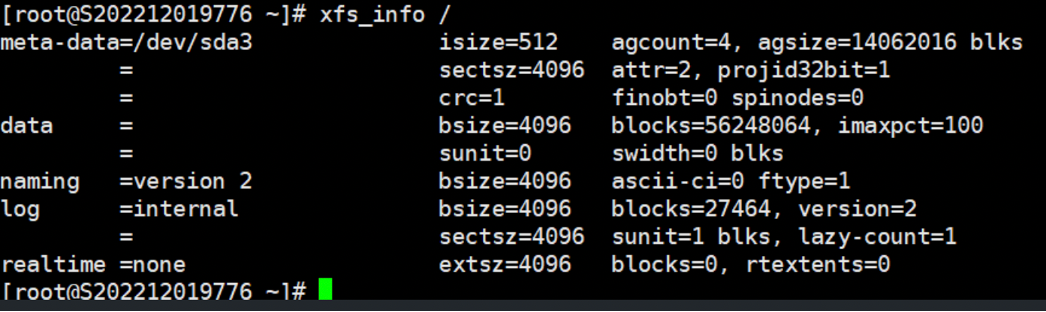
3.The command xfs_info <mount_point> is used to view detailed information about an XFS volume.
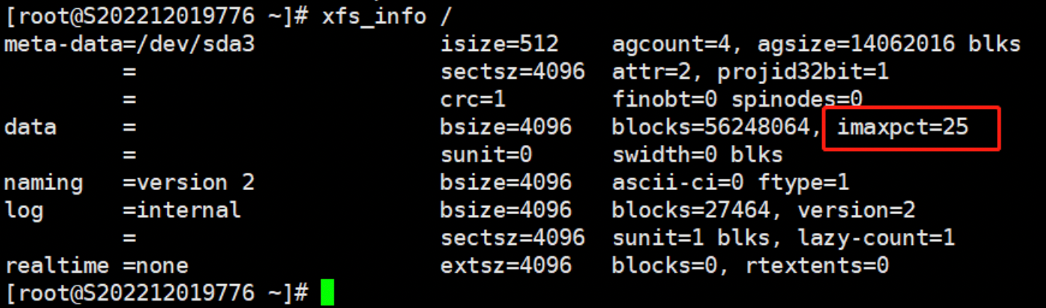
Note: For file systems under 1TB, the default value is 25%; for file systems under 50TB, it is 5%; and for file systems over 50TB, it is 1%.
4.Use the command: xfs_growfs -m % <mount_point> to change the inode space percentage.
Note: -m [maxpct]: Specifies the new value for the maximum percentage of space in the file system that can be allocated for inodes.
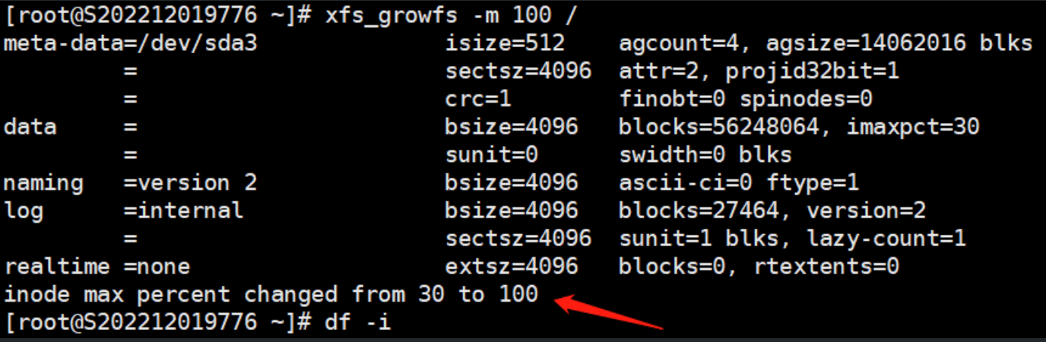
5.Finally, check the expanded Inode space by using the command df -i.
Additionally, if the partition is in ext4 format, for non-system partitions, the size can be manually specified during formatting.
The partition needs to be unmounted before executing the following command.
mkfs.ext4 -i 8192 /dev/sda5
Note: 8192 represents 8K per inode, the default is 16K per inode.
