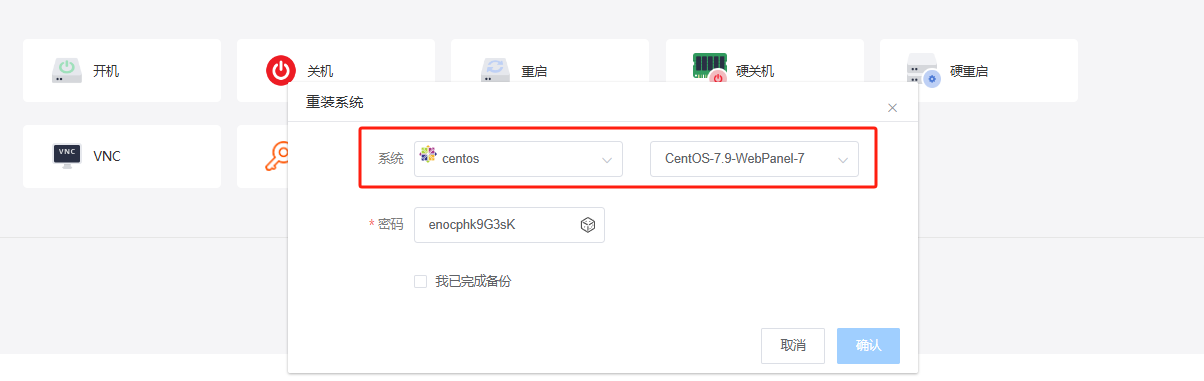
1. First, we need to log in to the system via SSH after reinstalling it.
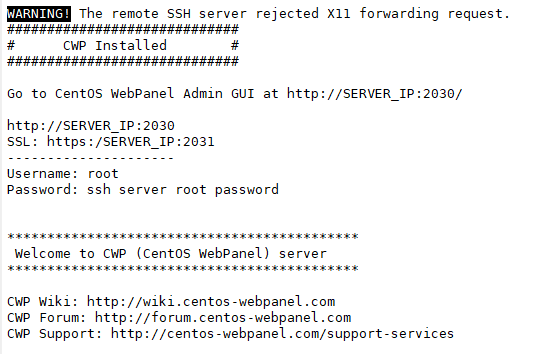
2. The following is the output after the first login via SSH.
#############################
# CWP Installed #
#############################
Go to CentOS WebPanel Admin GUI at http://SERVER_IP:2030/
http://SERVER_IP:2030 ###This link is the URL for CentOS WebPanel
SSL: https:/SERVER_IP:2031 ###You need to open the browser and replace SERVER_IP with the local IP to access it
---------------------
Username: root ###account
Password: ssh server root password ###password
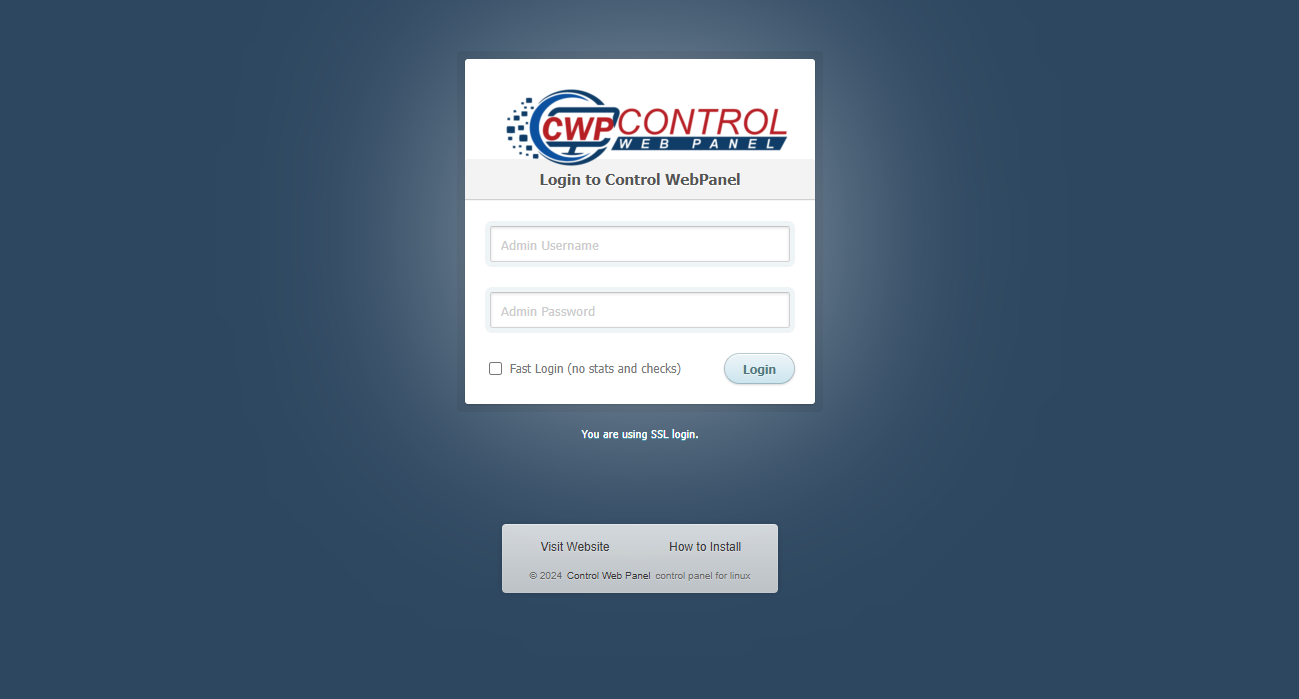
3. Below is the browser's first access interface. The account and password are consistent with the server's!!!