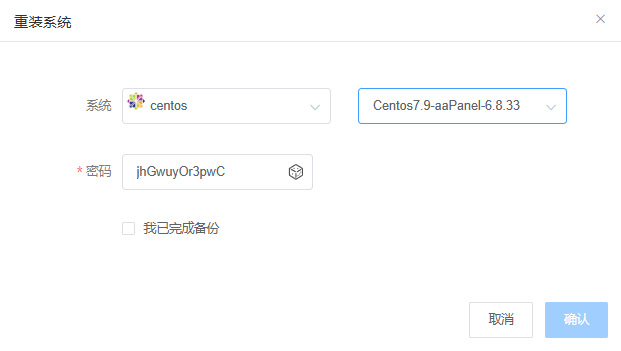
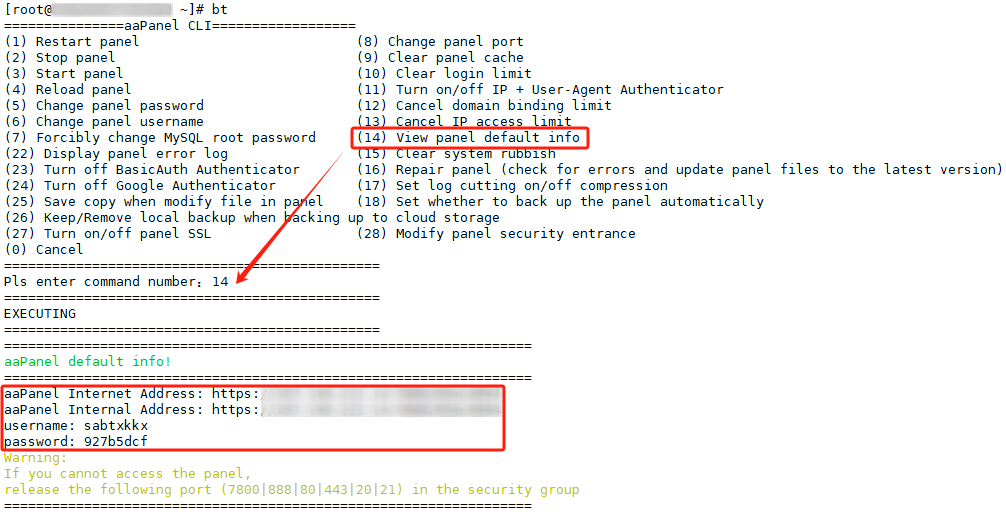
First, we log into the system by SSH, type "bt", then press "14", and we can view the aaPanel information.
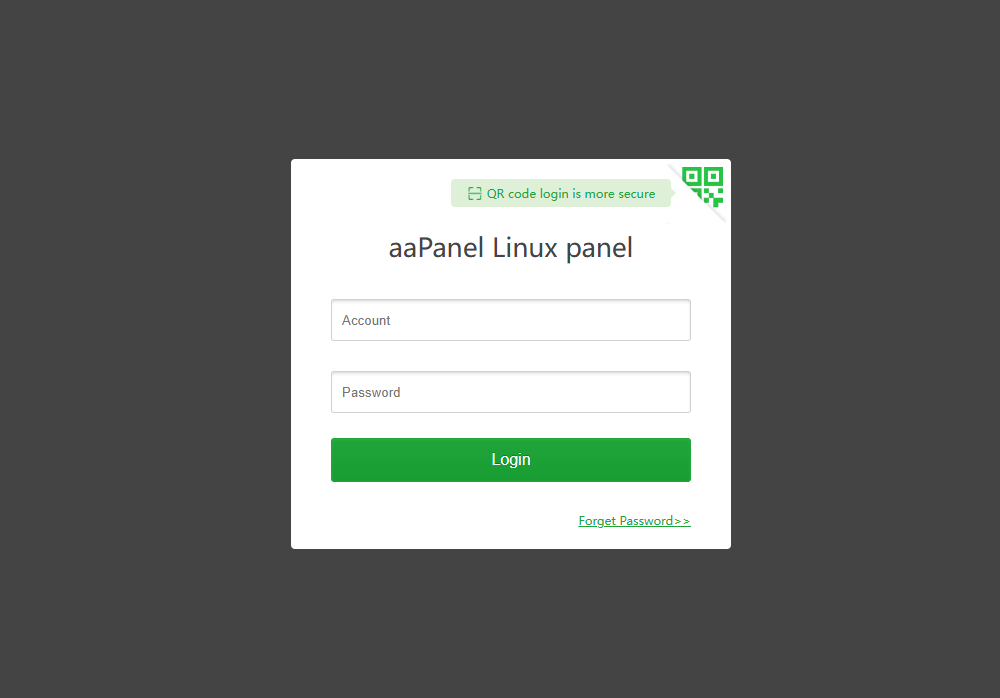
The following is the web interface, just log in.
CentOS 8 reached its end of life at the end of 2021. When using yum repositories for...
一.modify GRUB 1.Edit the GRUB configuration file by running the command: `vi...
Method One: 1.Open a terminal or SSH into the Linux system. 2.Log in to the system with...
Encountering communication issues with the machine, I checked the system error messages through...
Atop is a monitoring tool used to monitor resources and processes in Linux systems. It...