
How to register an account

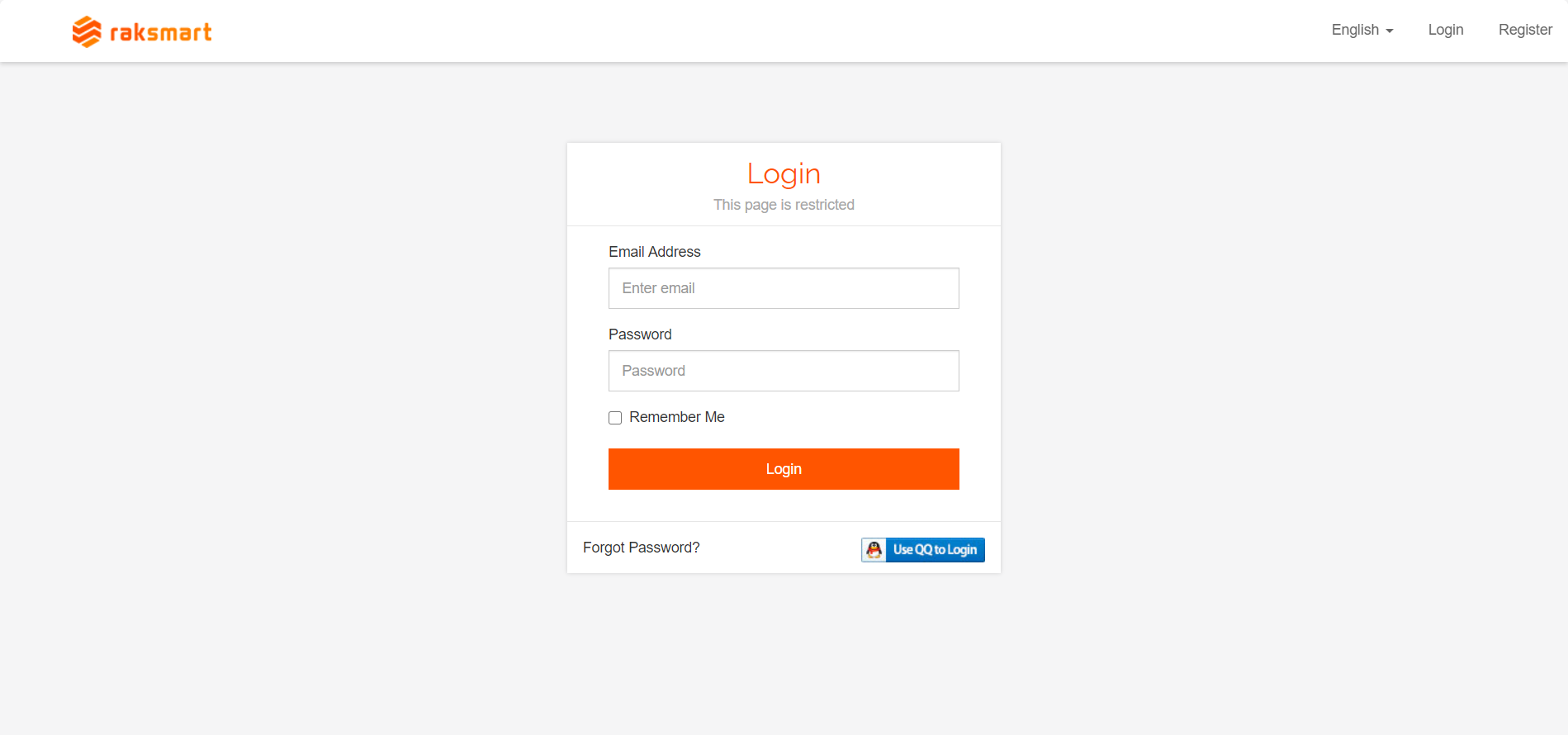
1.Type the website address http://www.raksmart.com/ into your browser, click on "Register" to enter the registration page (the webpage supports both Chinese and English, and you can switch between them by clicking on the left side of "Login").

2.After completing the registration of your RAKsmart account, enter your account and password , log in to the backend system interface.
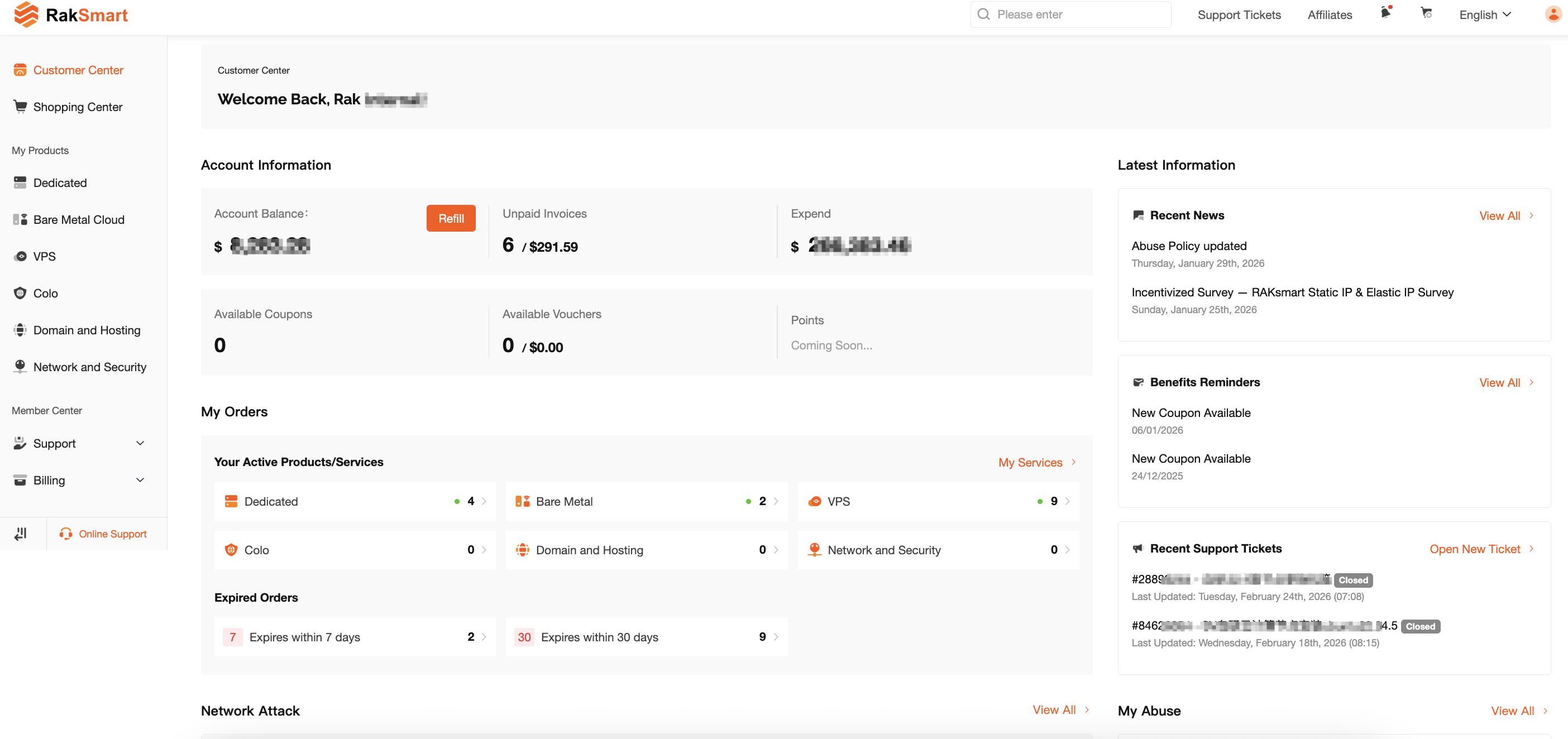
3.Backend system interface.

  • 0 Users Found This Useful
Was this answer helpful?

Related Articles

Coupon Redemption Guide

1.After logging into the official website, click the arrow in the image below to enter the...

How to place an order

1.Log in to the RAKsmart customer backend and click on "Order Hosting" to select the product type...

Coupon Redemption Guide

1.After logging into the official website, click the arrow in the image below to enter the...

User registration and login

1.If you already have an account, you can directly enter your username and password to log in....

The guide for server-related operations.

1.Click on "Product & Service" and select the type of server you have purchased, for example:...