
User registration and login

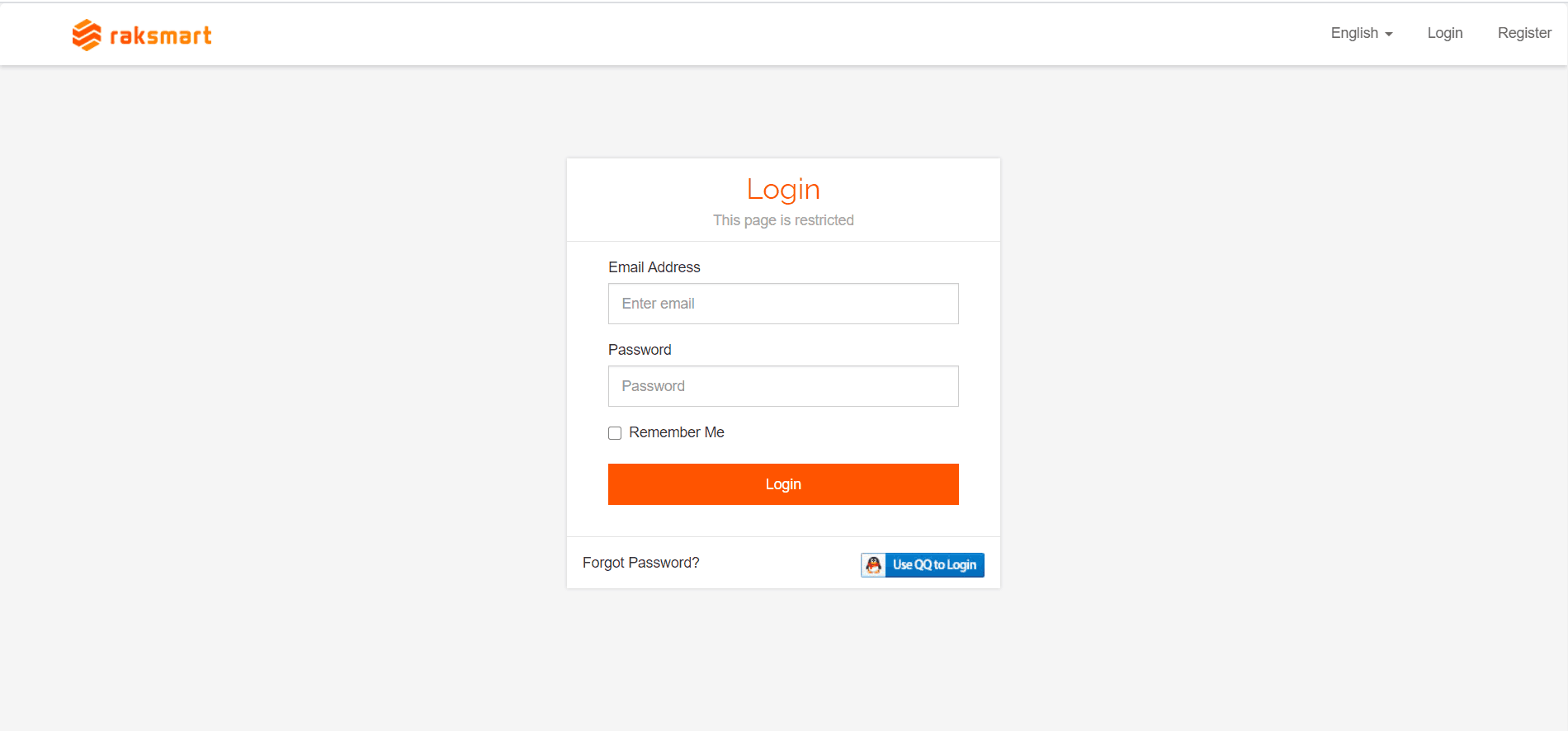
1.If you already have an account, you can directly enter your username and password to log in.
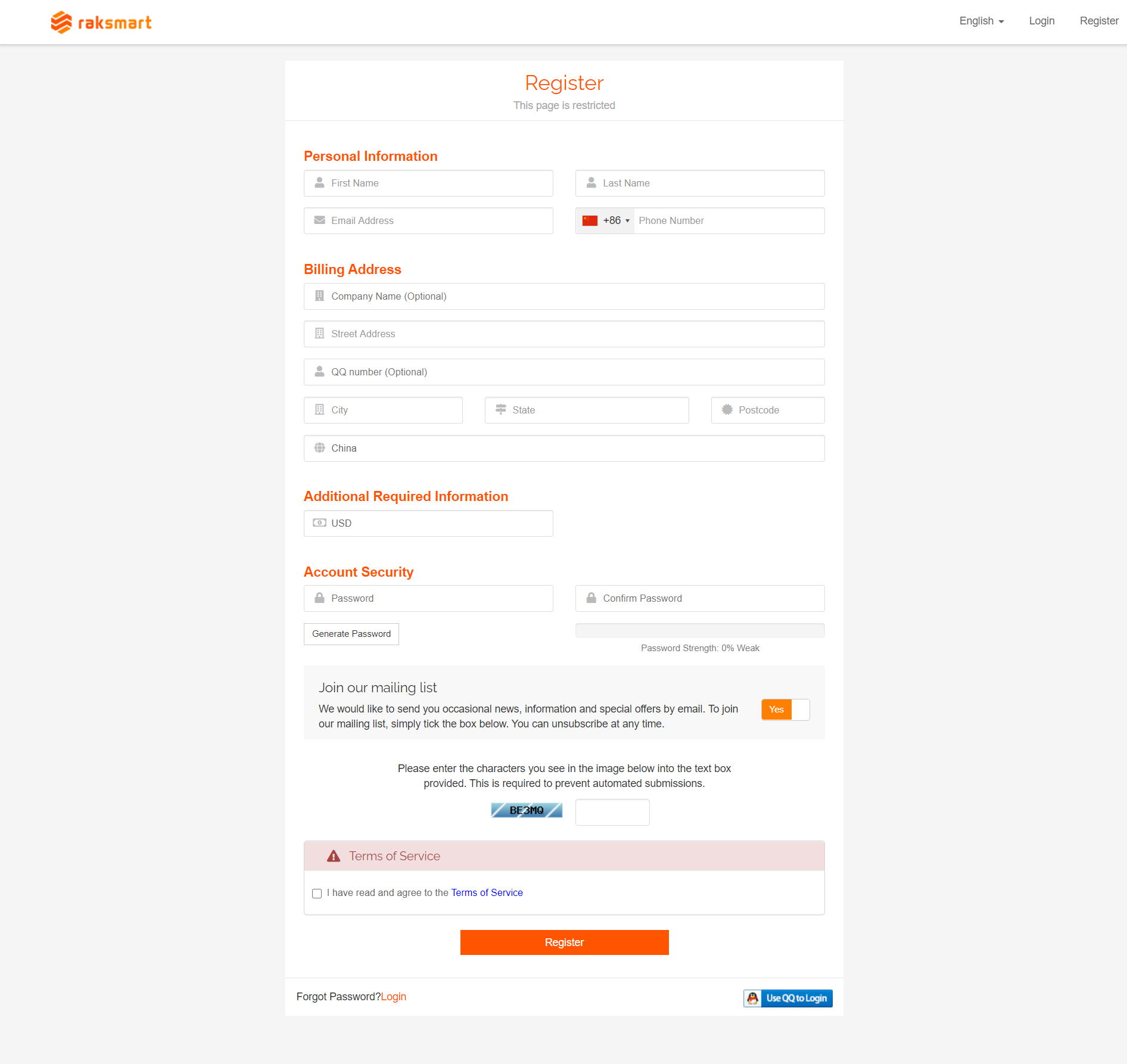
2.If you don't have an account, you can click on "Register" to create an account. After successfully registering, you can log in.
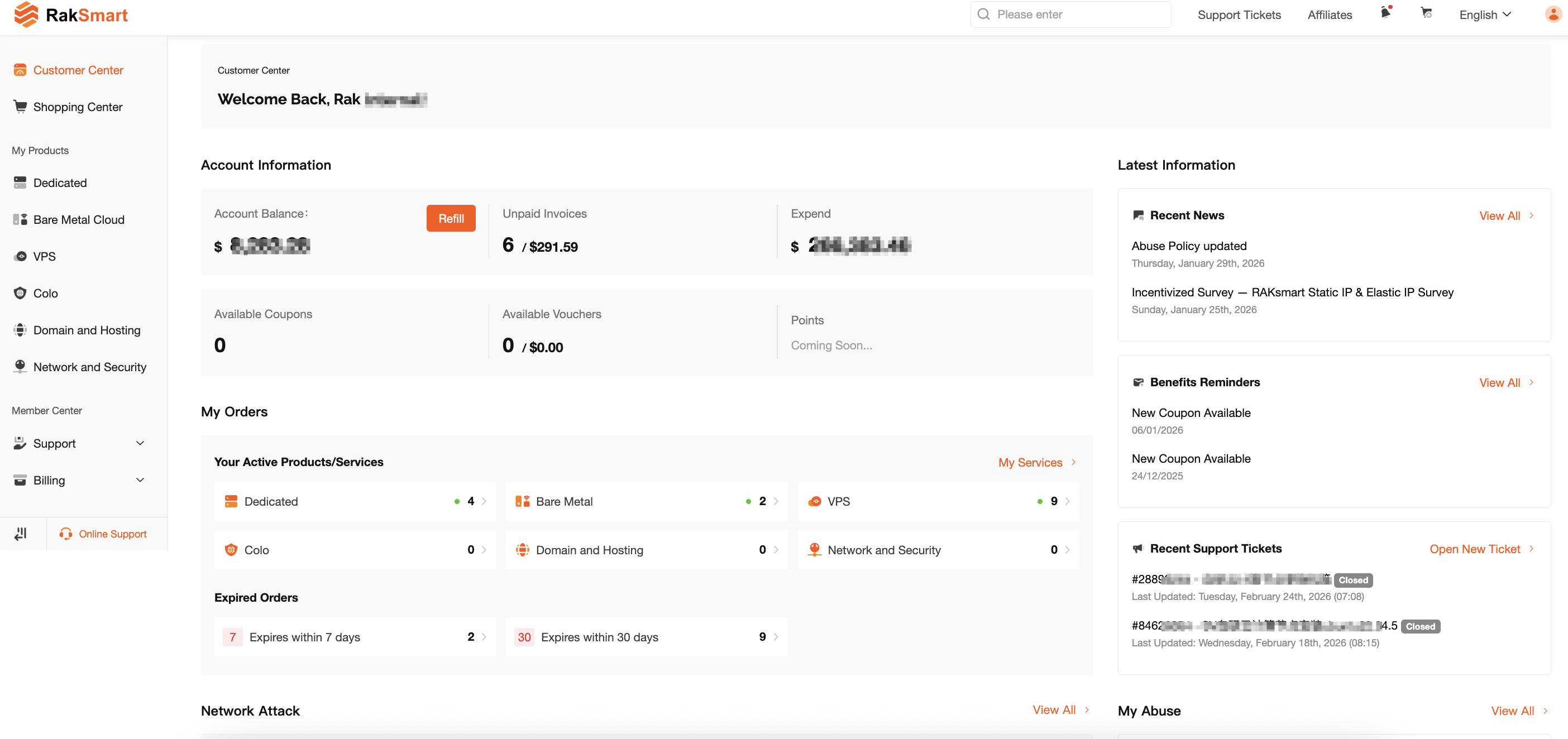
3.Access the customer backend panel.

  • 52 Users Found This Useful
Was this answer helpful?

Related Articles

How to place an order

1.Log in to the RAKsmart customer backend and click on "Shopping Center" to select the product...

How to register an account

1.Type the website address http://www.raksmart.com/ into your browser, click on "Register" to...